So I now wanted to set up a reset level on collision so I googled and came across this video (https://www.youtube.com/watch?v=8bIdUzpQ928) and followed it step by step and successfully set up a reset on collision.
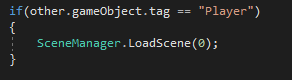
I also switched this line to this as it was mentioned being not deprecated.
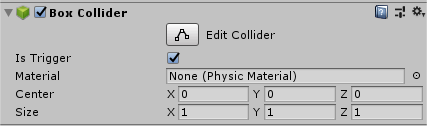
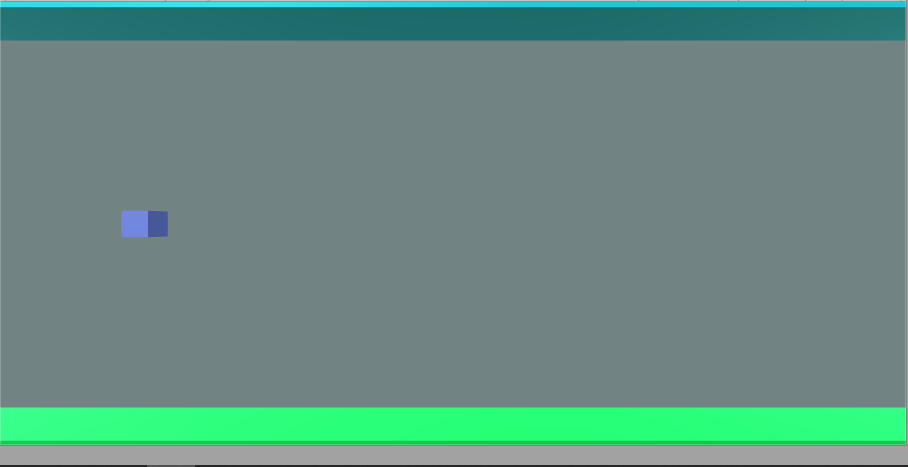
Now if I hit the ceiling or floor the game will to its original status. I also wanted to achieve touch controls too so I googled and came across this website which helped me https://stackoverflow.com/questions/37117160/how-to-convert-space-bar-key-event-in-unity-into-touch-event-in-android
All I had to change was RigidBody2D into RigidBody and now the cube goes up on touch.
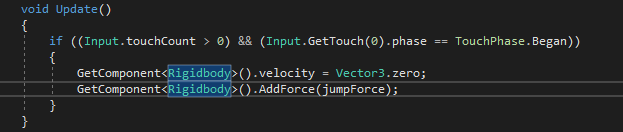
However, after playing around I realised it only went up on initial touch and doesn’t continue going up on hold therefore, I decided to implement it into PlayerMovement and make my own code and I came up with this which worked!
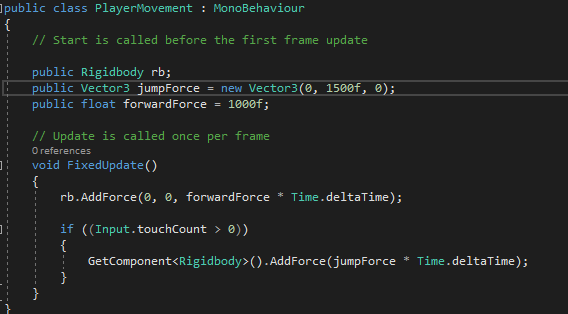
Later on I’ll be changing the values to make the game more smoother as these values are just to make sure the game works.

 Jordan Kim
Only complaint I have so far is you don’t post enough so that i can BINGE READ everything about what you’re doing 🙂
LikeLike