I wanted to set up some menus for this game so I went and came across this youtube tutorial https://www.youtube.com/watch?v=zc8ac_qUXQY
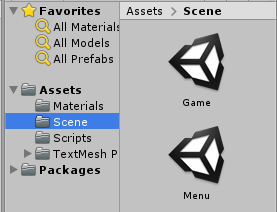
I’ve made a new scene and renamed my old scene to Menu and Game respectively
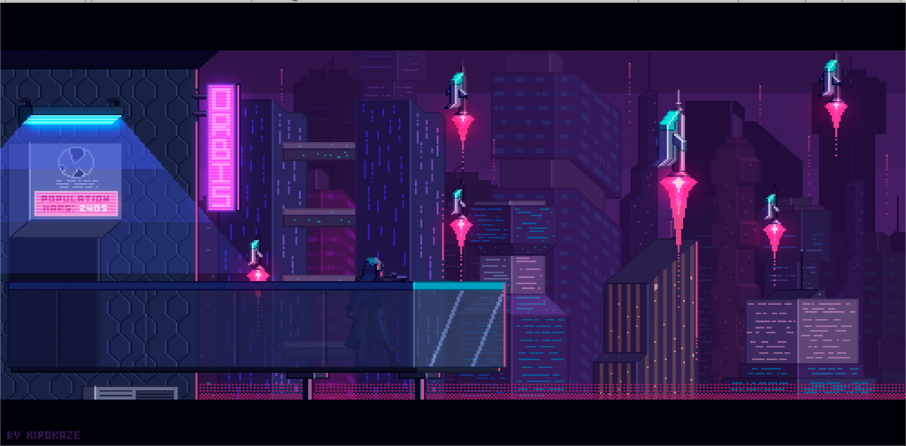
I’ve also downloaded a placeholder background image for our menu (our game theme is going to be cyberpunk)
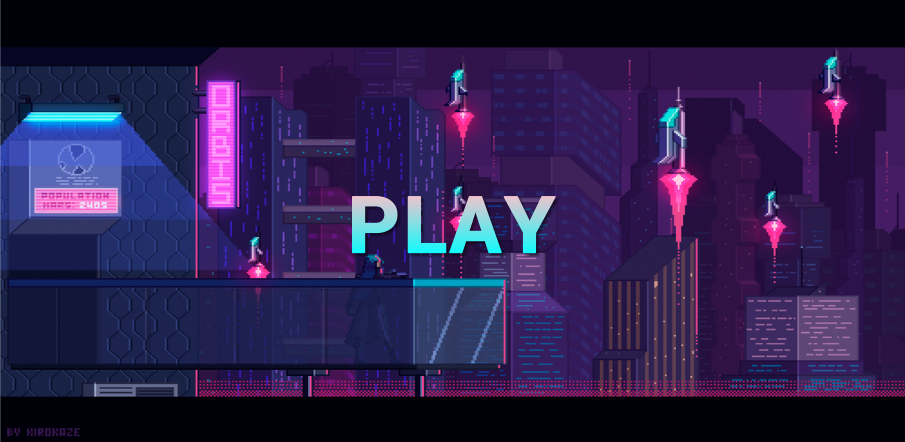
I’ve made another placeholder play button using the colours of pink and cyan to fit with the current theme.
I was going to test the play button however I’ve received a compiler error so I googled a way to fix it and I was advised to delete the textmeshpro folder as it was already in unity. Now my play button becomes highlighted when pressed on my phone.
I’ve continued to follow the tutorial and now have a general main menu as well as an options menu
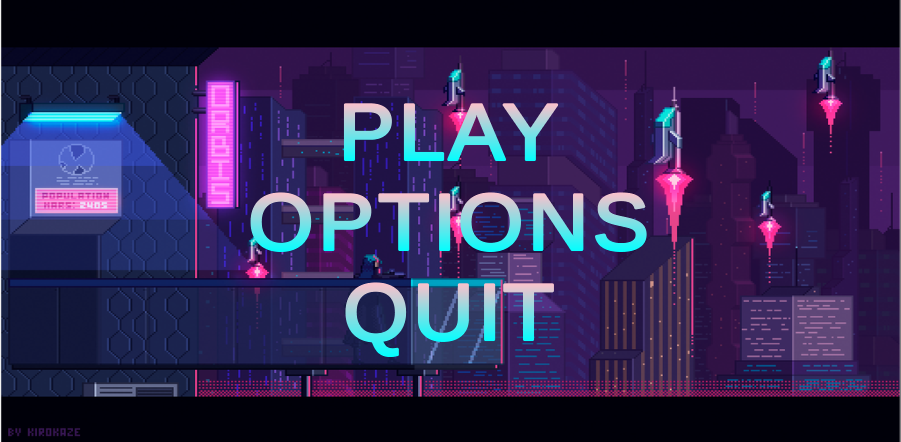
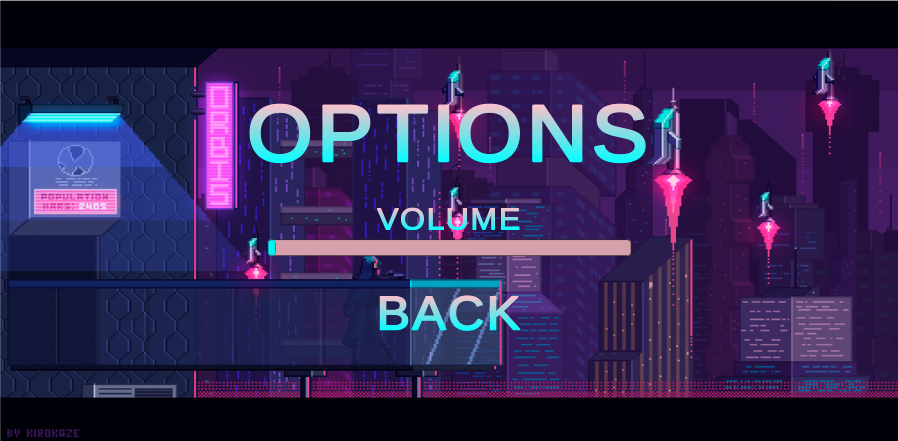
After following the video all the menu buttons work (the volume setting doesn’t do anything yet) and when you collide into a wall in the game it brings you back to the menu however. I wanted the game to restart on collision and I wanted a pause menu in-game so I followed a combination of these two tutorials (https://www.youtube.com/watch?v=MjhH4M1B8HA, https://www.youtube.com/watch?v=JivuXdrIHK0) with my current knowledge from this project and came up with this in the end.
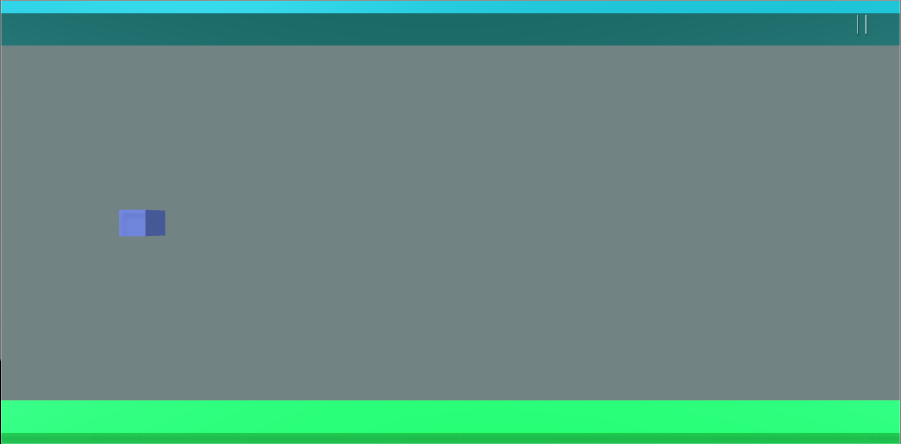
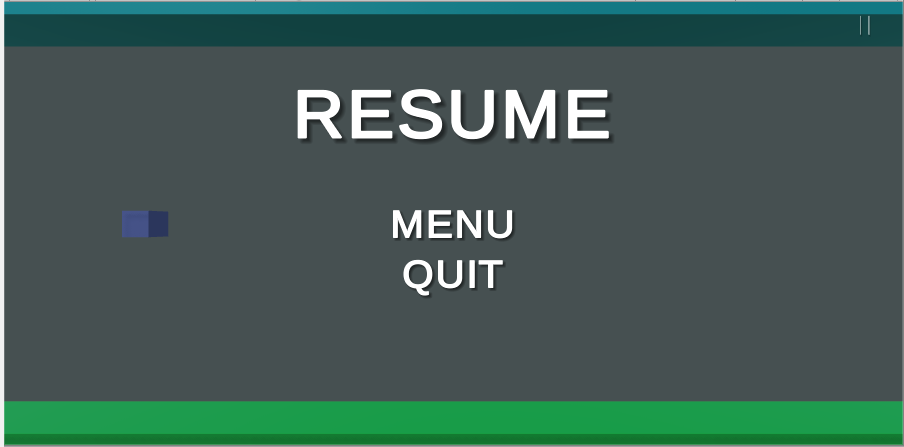
I’ve built this app and downloaded it to my phone to see how it works just on the phone. It surprisingly runs a lot smoother however all the text has shrunk.


 Jordan Kim